
AI-Powered Document Workflow Automation Services
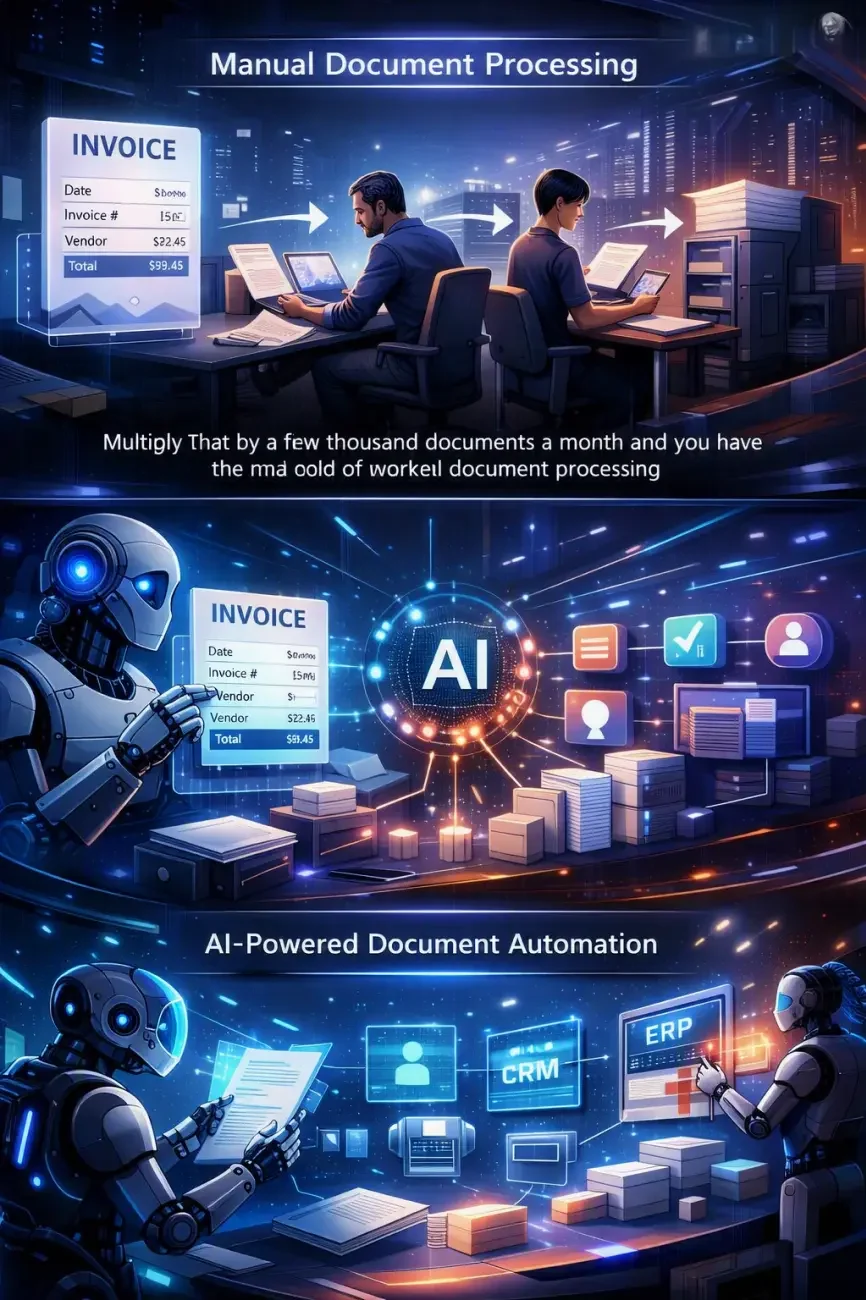
An invoice arrives by email. Someone opens it, checks a few fields, forwards it for approval, and files it. Multiply that by a few thousand documents a month and you have the real cost of manual document processing.
Neurotrack builds custom document workflow automation that receives documents and extracts the required information. It then routes files to the right person or system, triggers approvals, and writes the data into your business systems.
Our document automation services start from the process your team already runs, exceptions and sign-offs included.
What a Document Automation Project Usually Involves
| Parameter | Typical Range |
|---|---|
| Time to first working workflow | 4–8 weeks from discovery |
| Document types covered per solution | 3 to 20 formats and templates |
| Integration points | ERP, CRM, accounting, storage, internal APIs |
| Routine steps removed | Up to 70% of a standard approval chain |
Automate a Document Process You Run Daily
Tell us which documents slow your team down, and we will scope the workflow and the integrations
What Is Document Workflow Automation?
Document workflow automation is the use of software to move a file through its full document lifecycle without manual handoffs. That covers intake, classification, validation, routing, approval, system updates, and archiving.
In a manual document workflow, a person identifies the file, checks the numbers, and forwards it to an approver. Files sit in inboxes, and approval bottlenecks build up at month end.
In an automated document automation workflow, business rules and AI models make those decisions. The document keeps moving, and actions land in an audit trail. This is business process automation applied to the paperwork layer of your business operations.
Automate Your End-to-End Document Workflows
End-to-end document automation covers the full chain, from the moment a file arrives to the moment it is archived. A typical document flow automation build runs through seven stages.
1. Document Intake
Document capture from email attachments, upload forms, scanners, shared folders, or an API feed.
2. Recognition and Classification
AI OCR (coming soon) turns scans into text. A document classification model identifies an invoice, a contract, or a delivery note. This recognition layer is where intelligent document processing (coming soon) sits inside the workflow.
3. Data Extraction
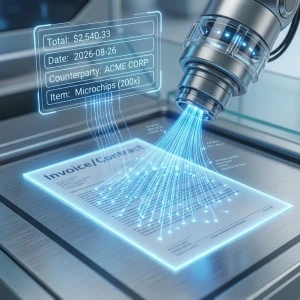
The system pulls the fields you need: amounts, dates, counterparty names, line items, reference numbers. AI document extraction (coming soon) handles free-form layouts.

4. Validation
Values are checked against business rules and master data. Low-confidence results go to a person for review.

5. Document Routing
Files go to the correct department, queue, or approver based on type, value, supplier, or any rule you define.
6. Review and Document Approval
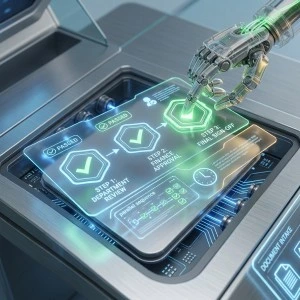
Approval workflows collect sign-off in sequence or in parallel, with reminders and escalation when a step stalls.
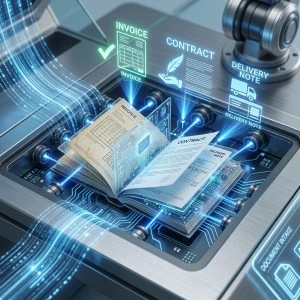
7. Integrations, Actions, and Archiving
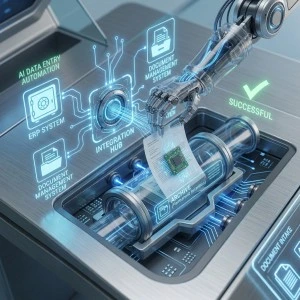
Clean data is written into your ERP or accounting system through AI data entry automation (coming soon). The file lands in your document management system with the right permissions and retention policy.

That full sequence is what separates document process automation from a scanner and a shared drive.
Document Automation Solutions We Build
Projects are custom builds. These are the document automation solutions we deliver most often.
Document Intake and Classification
Automated capture from email, portals, and scanners, with model-based sorting by document type, department, or supplier.
Document Routing and Approval Workflows
Rules-driven routing with multi-step approval, delegation, deadlines, and escalation for stalled items.
Data Validation and Processing
Automated document processing that checks extracted values against your reference data and flags mismatches before they reach your ledger.
Automated Document Generation
Contracts, quotes, and standard forms generated from approved data and sent for signature.
System Integrations
API integration with the platforms you already run, including ERP integration, CRM integration, and connections to storage and internal tools.
Document Storage and Archiving
Structured filing with naming conventions, access rules, retention periods, and a searchable audit trail for compliance reviews.
AI-Powered Document Workflow Automation
Rule-based document workflow automation software works on identical files. Real document flows are messier. Suppliers change invoice layouts, contracts arrive as photos, and half the forms carry a handwritten note in the margin.
Artificial intelligence covers that variation. This is what the AI layer changes at the workflow level.
| Workflow Step | Rule-Based Automation | AI-Powered Automation |
|---|---|---|
| Classification | Fixed template per sender | Document classification by content, no template required |
| Reading the file | Digital text only | OCR on scans and phone photos, including poor quality |
| Data extraction | Fixed field positions | Field-level data extraction from unfamiliar layouts |
| Validation | Format checks | Cross-checks against master data with confidence scoring |
| Decisions | Static if-then rules | Decision logic weighted by value, history, and confidence |
| Exceptions | Manual queue | Exception handling as a defined route with the flagged field marked |
| Routing | Fixed recipient list | Intelligent routing based on extracted content |
Machine learning models score their own confidence per field. High-confidence documents move straight through. Ambiguous ones go to a reviewer with the uncertain value marked.
AI-powered automation feeds the stages downstream. Extracted data drives the routing decision, the approval threshold, and the record created in your systems. Broader Document AI solutions (coming soon) cover AI-powered document automation across document operations outside a single workflow.
Enterprise Document Automation for Complex Business Processes
Enterprise document automation deals with volume and structure at once. These are the constraints we design around.
High Document Volume
Thousands of documents a month across intake channels, processed without a backlog forming at month end.
Multiple Departments and Document Types
A dozen document types and four departments touching the same file, with workflow management held in one place.
Approval Chains
Approval routes that change above set amounts, with delegation rules and escalation when a step stalls.
Permissions and Access Control
Access that mirrors your org chart, so finance sees finance documents and other teams see their own.
Audit Trails and Compliance
A full record behind automated decisions, at the level compliance reviews ask for.
Legacy and Internal Systems
Legacy databases, internal tools, and older ERP versions appear in most business process document automation projects. We build integrations around them.
Scalability by Design
Enterprise workflows are built for several times your current volume. Business document automation grows by adding document types inside the existing build.
Scope an Enterprise Document Workflow
Send us your monthly document volumes and the systems involved, and we will map the automation.
How Our Document Workflow Automation Works
Our document workflow automation services follow a fixed delivery sequence.
1. Analysis
We map your current document workflow: volumes, document types, decision points, and the manual steps in between.
2. Workflow Design
We design the automated process, set business rules and confidence thresholds, and agree where humans stay in the loop.
3. AI Development
We build and train the classification, extraction, and validation components on your real documents.
4. Integrations
We connect the workflow to your ERP, CRM, document management system, and internal APIs.
5. Testing
We run the workflow against historical documents, measure accuracy per field, and tune the rules until results hold.
6. Deployment and Optimization
We launch, monitor accuracy and processing time, then retrain models as your documents change.
You get document automation services built around your existing process, with the integration work inside the scope.
Benefits of Automating Document Workflows
| Benefit | What Changes |
|---|---|
| Faster processing time | Documents move between stages in minutes, with no queue time |
| Fewer errors | Automated validation catches transposed figures and missing fields before posting |
| Less manual data entry | Extracted values populate your systems directly, removing repetitive tasks |
| Faster approvals | Routing hits the right approver immediately, with automatic reminders |
| Compliance and auditability | Actions are logged, giving you a full audit trail per document |
| Lower operational cost | Teams handle exceptions while routine volume runs on its own |
| Scalability | Document volume can grow without matching growth in headcount |
Human error in manual data entry is the expensive one. A wrong figure keyed into an ERP usually comes to light weeks later, during a reconciliation.
Document Workflow Automation Use Cases
| Use Case | What Gets Automated |
|---|---|
| Invoices and financial documents | Capture, supplier matching, approval routing, and posting to accounting |
| Contracts and legal documents | Classification, key term extraction, review routing, and renewal tracking |
| Purchase orders | Order intake, validation against agreed terms, approval by value threshold |
| Customer forms and applications | Web form intake, completeness checks, routing to the responsible team |
| HR documentation | Onboarding paperwork, signed policies, personnel file management |
| Reports and internal documentation | Assembly from system data, review workflow, controlled distribution |
| Email attachments to business systems | Extraction from inbound mail, transfer into ERP or accounting records |
| Data consolidation and reporting | Aggregation of values across document sets into one reporting layer |
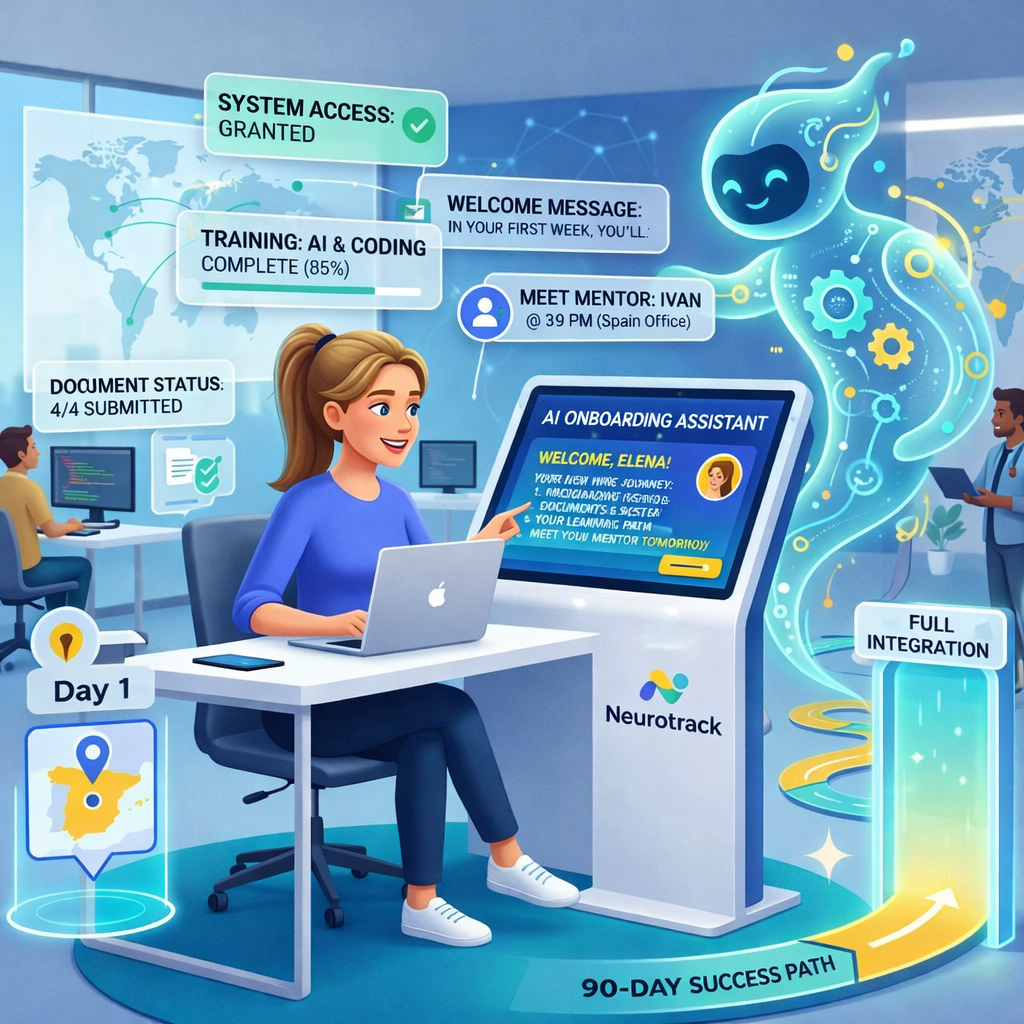
Several of these connect to narrower services. As such, HR paperwork runs alongside AI employee onboarding, and customer forms pair with a customer support AI chatbot. Meeting notes feed into our AI meeting assistant. The invoice use case is covered in depth by AI invoice processing (coming soon). Contracts and legal documents are covered by AI contract analysis (coming soon).
Why Neurotrack for Document Automation?
Custom Build Around Your Process
We develop the workflow for your document types, your rules, and your approval chain.
AI Expertise Applied to Documents
Classification, extraction, validation, and confidence scoring are tuned on your real files and your real edge cases.
Integration With Systems You Already Run
Integration sits inside the project scope, covering ERP integration, CRM integration, and older internal systems.
End-to-End Implementation
One team handles analysis, development, integration, testing, and post-launch tuning. Our AI case studies show delivered projects.
Built to Scale
Workflows are designed for the volume you expect in two years, so growth stays a capacity question.
Related Neurotrack services:


AI Meeting Assistant Development

Meeting transcription, summaries, and action item capture

AI Agent Development Services

Custom autonomous agents for sales, support, and operations
Business Process Automation (coming soon)

End-to-end automation of repeatable business processes |
Knowledge Management AI (coming soon)
AI-powered knowledge base and document intelligence systems |
Custom AI Development Services (coming soon)
Custom AI builds scoped around your business processes
Get a Document Workflow Automation Solution Built for Your Process
Send us one document type and the steps it goes through today, and we will come back with a workflow design.
FAQ
What types of documents can be automated?
Invoices, contracts, purchase orders, delivery notes, customer applications, HR paperwork, internal reports, and scanned correspondence. Structured forms are the easiest. Free-form documents need AI models trained on your examples, which is standard scope in our projects.
Can document workflow automation integrate with our ERP or CRM?
Yes. API integration with your ERP, CRM, accounting platform, and document management system is part of the build. Where a legacy system has no modern API, we use database-level connectors or file-based exchange.
How is document workflow automation different from intelligent document processing?
Intelligent document processing reads a document and turns it into structured data. Document workflow automation orchestrates the stages around it: intake, routing, approvals, system updates, and archiving. Processing is one component inside the workflow.
Can Neurotrack automate an existing document workflow?
Yes, and that is the usual starting point. We map the process you run today and identify which steps can run automatically. Steps requiring human review stay with a person, and your existing document tools normally stay in place.
How much does custom document workflow automation cost?
Cost depends on document volume, the number of document types, extraction complexity, and how many systems the workflow touches. A single-workflow build with two integrations sits at the lower end. Multi-department enterprise document automation sits well above it. We price after the analysis stage.


