×3
Meeting notes three times faster
Case study · Neuroshop
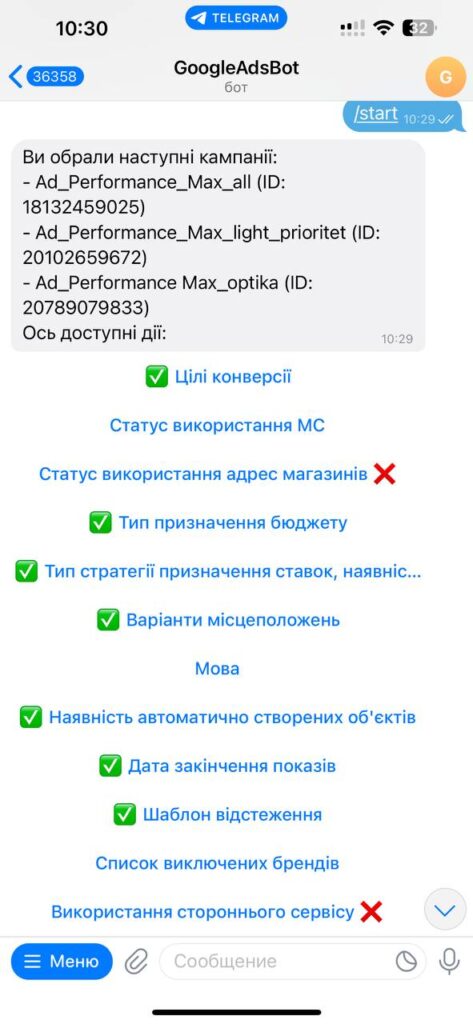
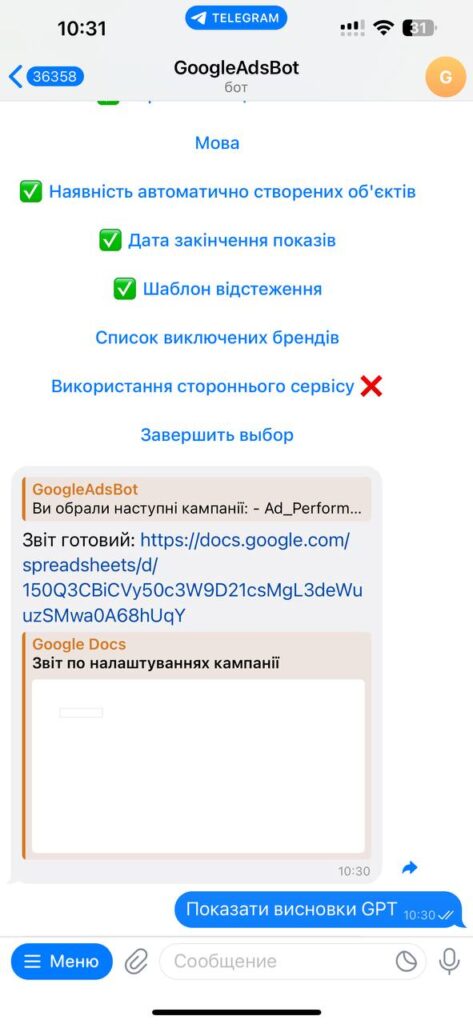
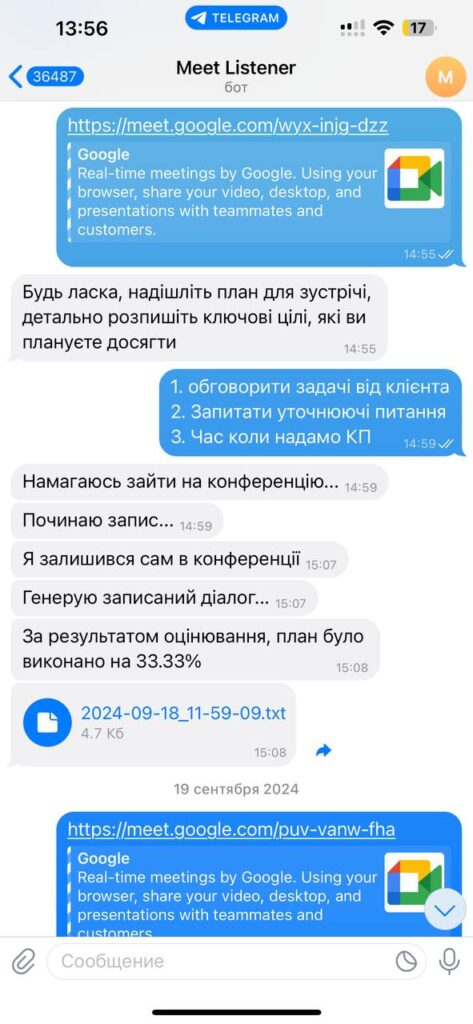
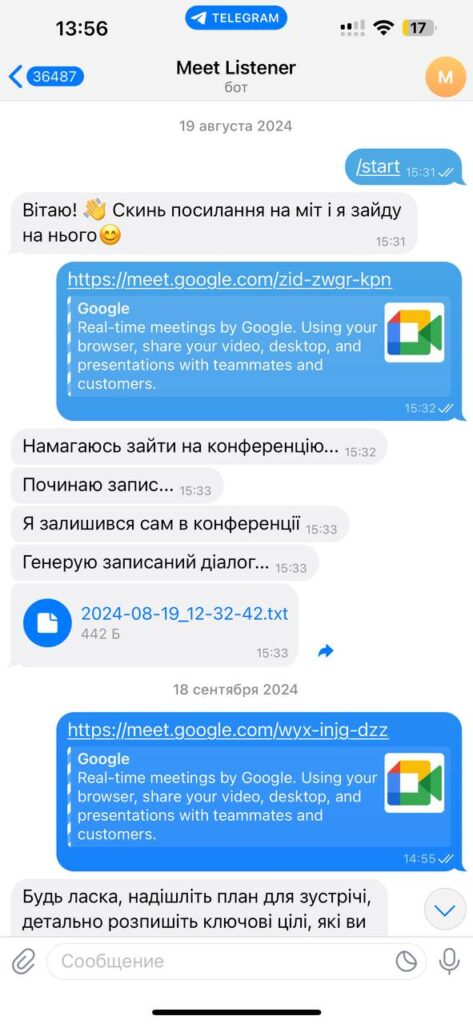
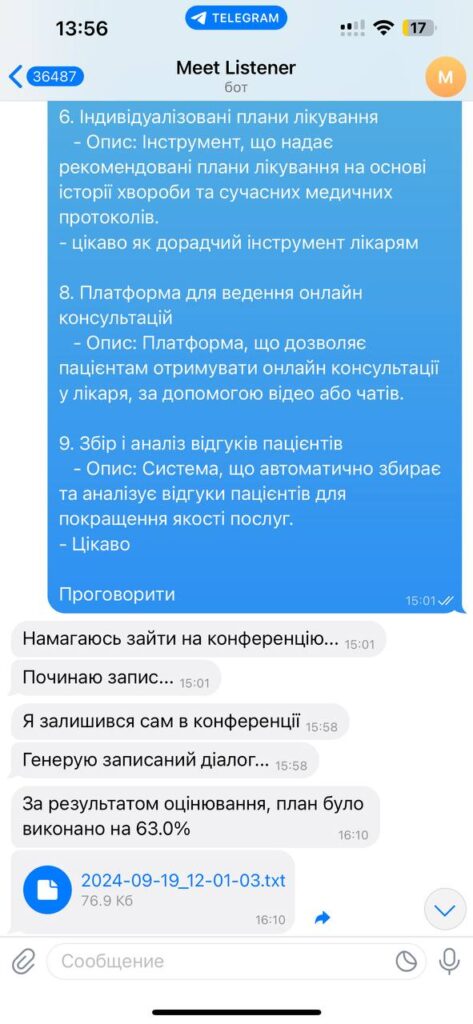
Taking notes during meetings is hard, and some agreements slip away. We built a bot that records online meetings in Google Meet, writes a short summary with the key points, and stores the full transcript with a link to the recording. Note-taking time dropped threefold, and meeting decisions no longer disappear.
 Neuroshop
Implementation results
Meeting notes three times faster
Structured meetings and decisions under control.
Agreements don't get lost after the meeting.
Solutions
Features
Every detail is captured with no manual input.
No need to re-listen to the full recording.
Find what you need by keyword.
Export reports and audio to external systems.
AI meeting automation frees the team from manual notes. The bot captures the full conversation, transcribes the meeting, and writes a short summary with the key points and decisions. After the call, everyone has a link to the recording and a ready summary, so agreements don't get lost and you can return to the details any time. The team doesn't need to do anything special during the meeting.
In online meetings it's easy to lose the thread: one person takes notes, another doesn't, and a week later no one remembers who's responsible for what. Automatic meeting notes remove this problem. The bot joins the Google Meet call on its own, records the conversation, and prepares a structured summary at the same time. No one has to break away to take notes, it's enough to be present and talk.
After the meeting, the AI for meetings produces a short report with the key points and decisions and stores the full transcript with keyword search. The Google Meet recording and the summary can be exported into your work systems for further analysis and task setting. It's handy for teams and companies, HR departments, executives, and business analysts, anyone who wants to keep agreements on track without manual work. Note-taking time in this case dropped threefold.
This case is about one specific scenario: recording and summarizing Google Meet calls. If you need a broader assistant that not only takes minutes but runs your meetings and notes in one place, take a look at our AI assistant for meetings and notes. AI here works for the team: it takes on the routine of minute-taking so people can focus on the conversation and the decisions.
A full transcript with keyword search turns the recording into a working document: you can quickly find exactly what was agreed about a specific client or task without re-listening to an hour of talk. HR teams analyze interviews this way, managers check that agreements are done, and analysts pull facts from meetings for planning. The bot asks nothing of participants beyond being present, so it fits quietly into existing processes and doesn't change the usual meeting format. That way no important detail of a meeting stays only in someone's memory.
Pricing
Estimated cost of a similar solution: we adapt it to your processes and systems. We'll give exact pricing and timelines after a free consultation.
Who it's for
Automatic notes during meetings.
Analysis of interviews and internal meetings.
Tracking that agreements get done.
Quick access to key takeaways for planning.
How it works
We analyze your needs and define the best solution.
We configure AI agents or adapt ready-made solutions.
We integrate, test, and train your team.
Measurable results and ongoing support.
Other case studies
NeuroshopUp to 50% lower training costs
NeuroshopOperator load reduced by up to 50%.
 ADINDEX
Campaign audit twice as fast
FAQ
The bot joins the online meeting in Google Meet and automatically captures the full conversation. You don't have to start the recording or watch over it, after the meeting you get a link to the recording and the full transcript.
After the meeting, the AI writes a short report with the key points and decisions on its own. That saves the time of re-listening to the full recording, in this case, note-taking time dropped threefold.
The bot exports ready reports and transcripts into your work systems for further analysis and task setting. We agree on the specific integrations for your tools at the start of the project.
Free consultation
Tell us about your task — we'll show how this solution would work for you and give you a price. The first consultation is free.
What you'll get from the consultation
We use cookies for analytics and advertising to understand how the site is used. You can accept or decline them; details are in our privacy policy.