Everything typed by hand
Someone retypes the vendor, line items, and totals from each invoice into 1C or BAS manually.
Solution · Source documents
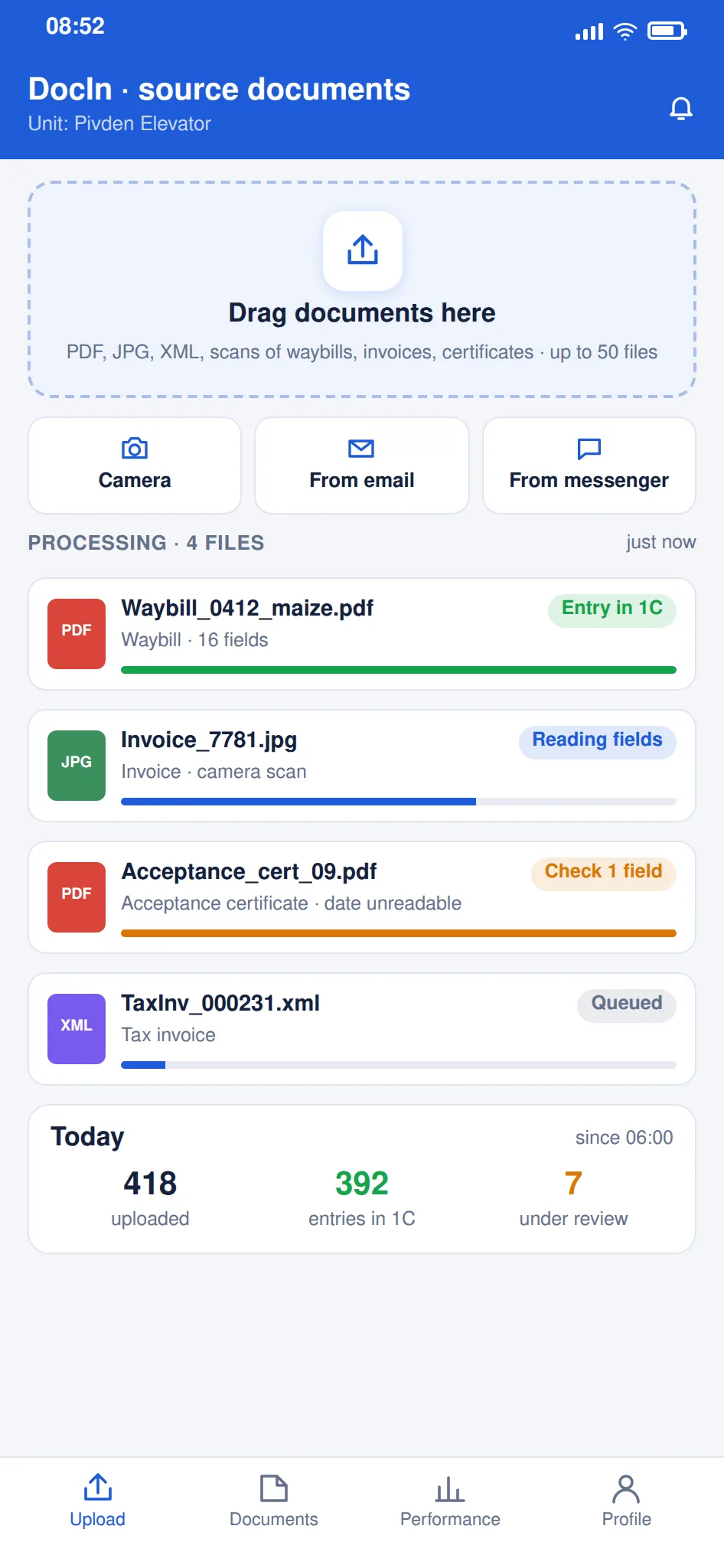
Invoices, bills, and delivery notes from scans, photos, and email land in your accounting system or ERP on their own — 1C, BAS, or another. A person only checks and confirms, instead of typing every line.
Where accounting runs on 1C, BAS, or a similar system, the bottleneck is usually the same — manual entry. A document arrives in some format, and someone retypes the vendor, line items, quantities, and totals into the system by hand. It is slow, monotonous work, and the bigger the flow, the longer the books stay open. This solution removes the typing. The system reads the document itself — from a scan, a photo, or an email — pulls out the fields it needs, and creates a ready record in your accounting system or ERP. A person only reviews and confirms, instead of keying in every line. It handles both paper and electronic documents, and sets anything questionable aside for a human. It fits accounting teams and back offices in retail, manufacturing, and services — anyone who processes a lot of invoices, bills, and delivery notes every day.
The problem
Someone retypes the vendor, line items, and totals from each invoice into 1C or BAS manually.
Manual typing adds slips in details and amounts that later surface in reconciliations.
While documents are entered one by one, month-end close drags on.
Scans, photos, and e-invoices are handled in different ways, with no single process.
What you'll get
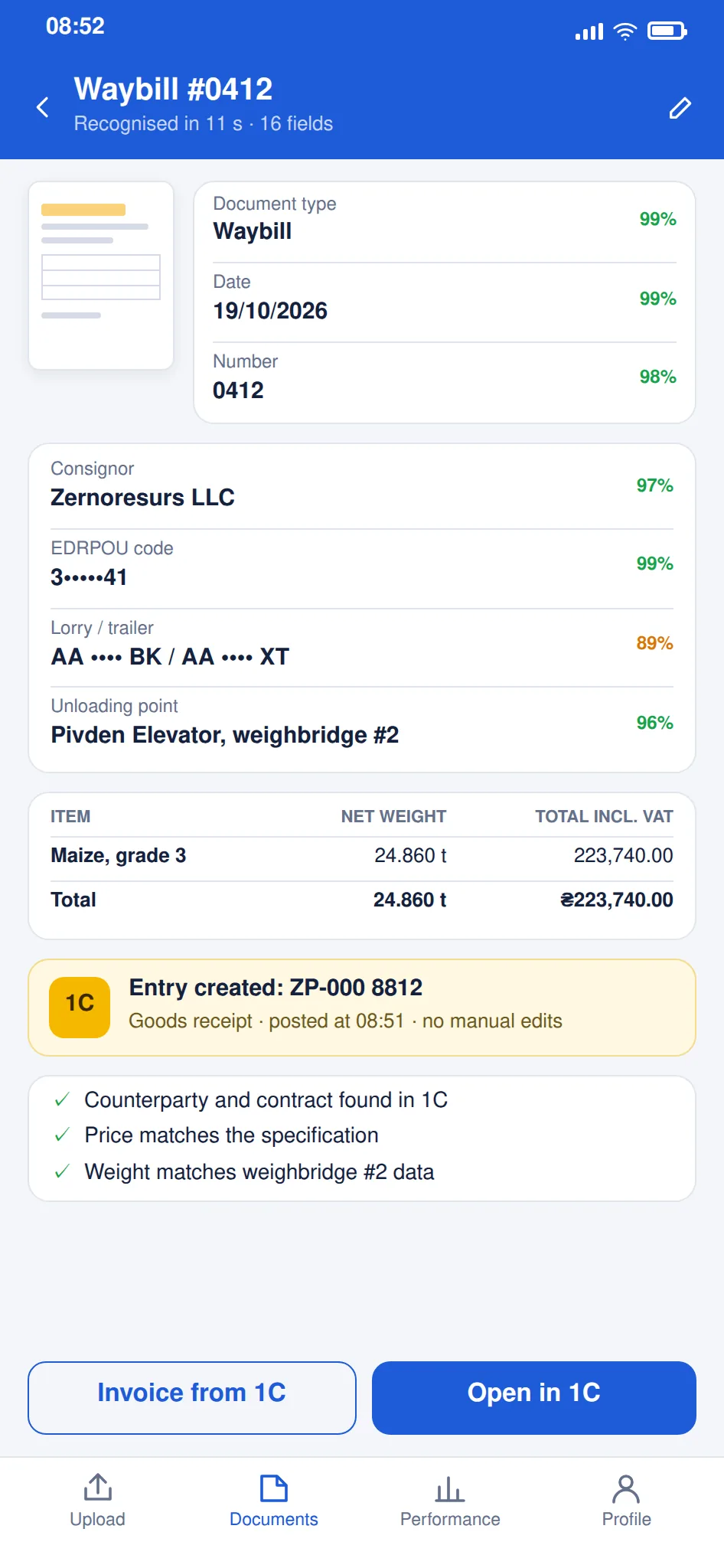
The system reads an invoice or bill and creates a record in 1C, BAS, or your system.
A document is accepted in any form — from a photo, a scan, or a message.
You review the ready record and confirm it, instead of typing by hand.
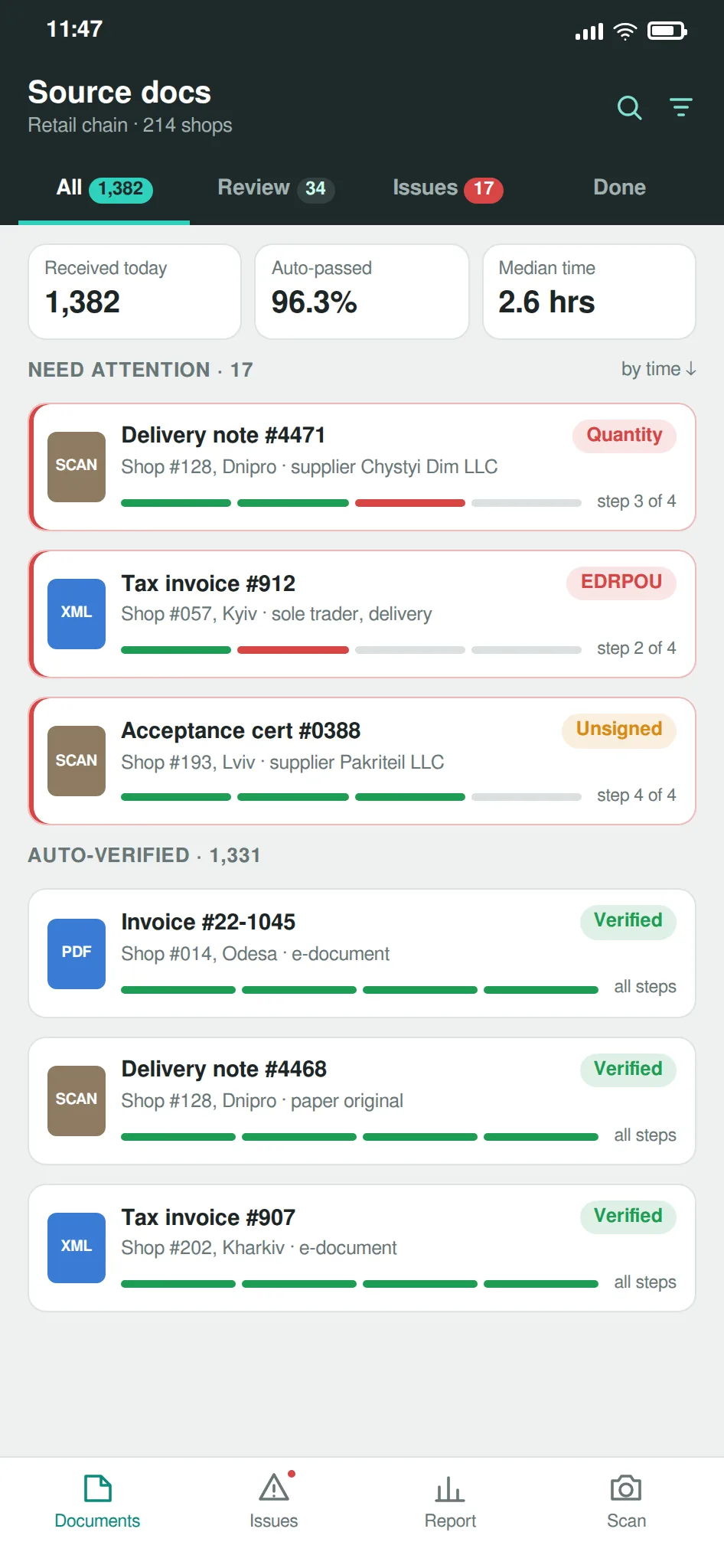
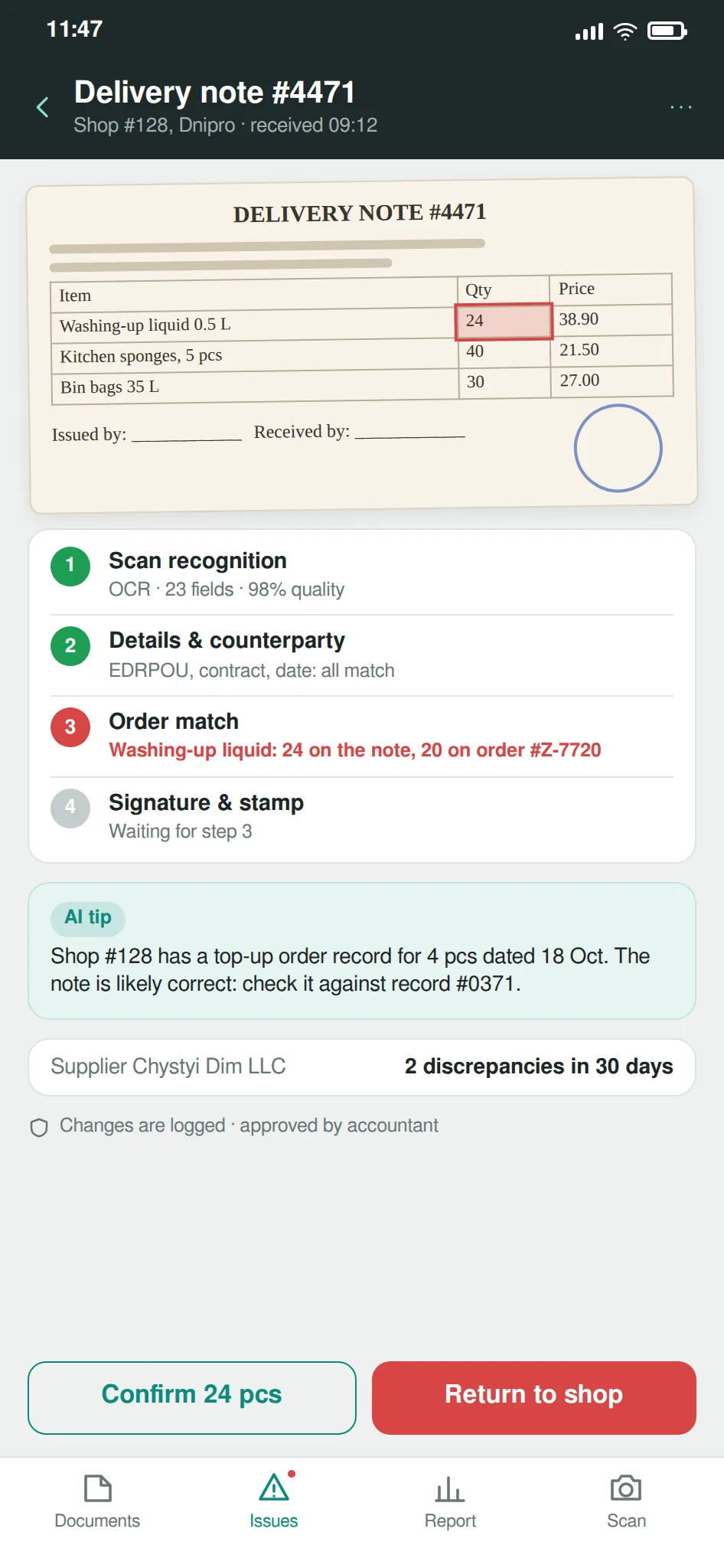
Anything that does not match is set aside for a person.
Documents go through in hours, not days.
What's included
We review document types, formats, and volume.
A link to 1C, BAS, or your system.
Vendor, line items, quantity, and totals from a document.
One process for scans, photos, and e-documents.
When a record goes through, and when it goes to a person.
We test on your documents and support the solution.
Industries
A flow of invoices from many outlets posts to accounting automatically — as in the Thrash! chain of 200+ locations.
Supplier invoices and receipts for raw materials and packaging post without manual keying.
Supplier invoices and delivery notes are read and turned into records in your system.
Source documents for several clients run through one process instead of manual entry for each.
How we implement it
We look at which documents you process and in which formats.
We link to your 1C, BAS, or other system.
We set which fields to read and when to involve a person.
Documents start posting on their own; you only review.
Results
×10+ — faster document processing: hours instead of days
MHP case study200+ — chain locations on automated source-document entry
Thrash! case study×10+ — faster document processing across the chain
Thrash! case studyCase studies
 MHP
MHPSource documents processed tens of times faster: hours instead of days
View case study Thrash!
Source-document accounting automated across a chain of 200+ locations
Pricing
Final cost depends on scope and integrations. We'll give exact pricing and timelines after a free consultation.
Why us
Your team reviews ready records instead of keying every line.
In the Thrash! chain, source documents from 200+ locations run this way.
For MHP and Thrash!, processing dropped from days to hours.
We tailor it to your 1C, BAS, or other accounting setup.
FAQ
The system reads a document from a scan, photo, or email, pulls out the fields it needs, and creates a ready record in 1C, BAS, or your system. A person only reviews and confirms. For MHP, document data became a request in 1C, and processing dropped from several days to a few hours.
Yes. The system handles both paper and electronic documents: scans and photos of invoices go through the same checks as e-documents. In the Thrash! chain, source documents from 200+ locations run through one process this way.
General document workflow is about moving and approving any documents. This is narrower: data from source documents lands in your accounting system. Need a general workflow built for you — see document workflow automation; need a ready service that reads documents — see AI document processing.
Roughly 4–8 weeks from start to a working environment. The exact timeline depends on document types, volume, and your accounting system configuration.
From $2,000 to implement and from $150/month for support. The final price depends on document types, volume, and the complexity of integration with 1C or BAS. Leave a request and we will prepare a free estimate for your flow.
No. Accounting most often runs on 1C or BAS, and the solution works with them, but it connects to other accounting systems through integration just as well. Where the data should go is agreed at the start.
Automated source-document entry means the data from an invoice, bill, or delivery note reaches your accounting system without manual keying. Before, an operator opened each document and retyped the vendor, items, quantities, and totals into 1C, BAS, or another system. Now software handles that part: it recognises the fields in the document and creates a ready record, while a person only reviews and confirms it. It works in a few steps. First we look at which documents you process and in which formats — scans, photos, electronic invoices. Then we set up field recognition and a link to your accounting system. After that we define the rules: which documents post straight away, and which the system sets aside for a person to check. Paper and electronic documents run through one process. For MHP, document data became a request in 1C on its own, and source-document processing dropped from several days to a few hours. In the Thrash! chain of 200+ locations, the system checks both paper and electronic documents and leaves only the questionable ones to a person. The bigger the flow, the clearer the time saved. The solution is tailored to your 1C, BAS, or other accounting configuration.
Related solutions:
Other solutions
Free consultation
In the consultation we'll walk through your process, show similar rollouts, and give you pricing and timelines. The first consultation is free.
What you'll get from the consultation
We use cookies for analytics and advertising to understand how the site is used. You can accept or reject them; see our privacy policy for details.